
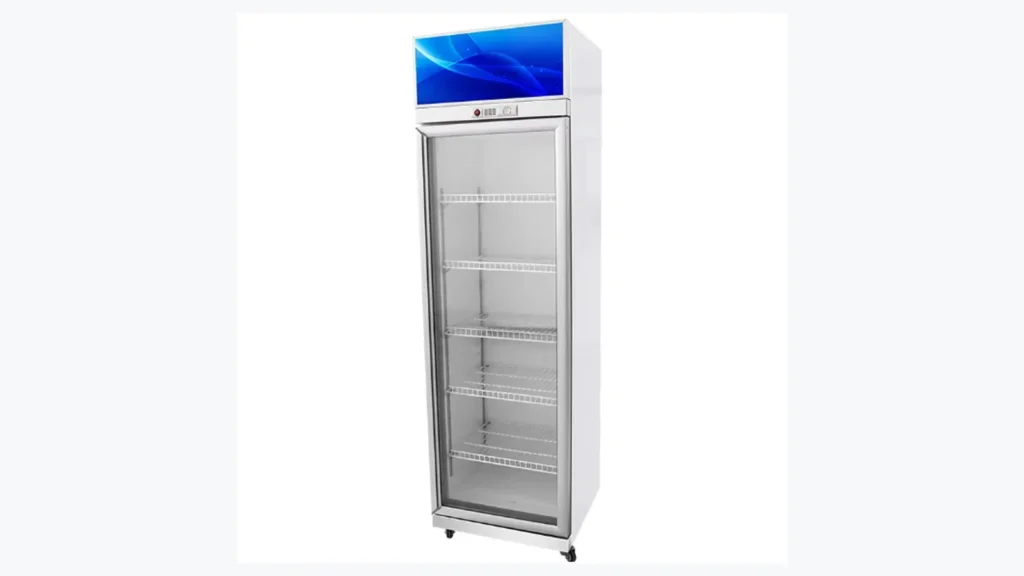
Fogged beverage-cooler glass can reduce product visibility, but "the door is misty" is not enough information for a useful review. Moisture may appear on the room-facing surface, product-facing surface, one edge, one door, or every door. It may follow restocking, repeated openings, cleaning, weather changes, or a longer operating pattern.
A short observation log helps the store separate these facts before contacting service or the supplier. This guide covers an upright ICEAGE glass-door beverage cooler used for bottled drinks, dairy, juice, water and chilled display products. It is not a freezer.
Confirm the Cooler and Door Arrangement
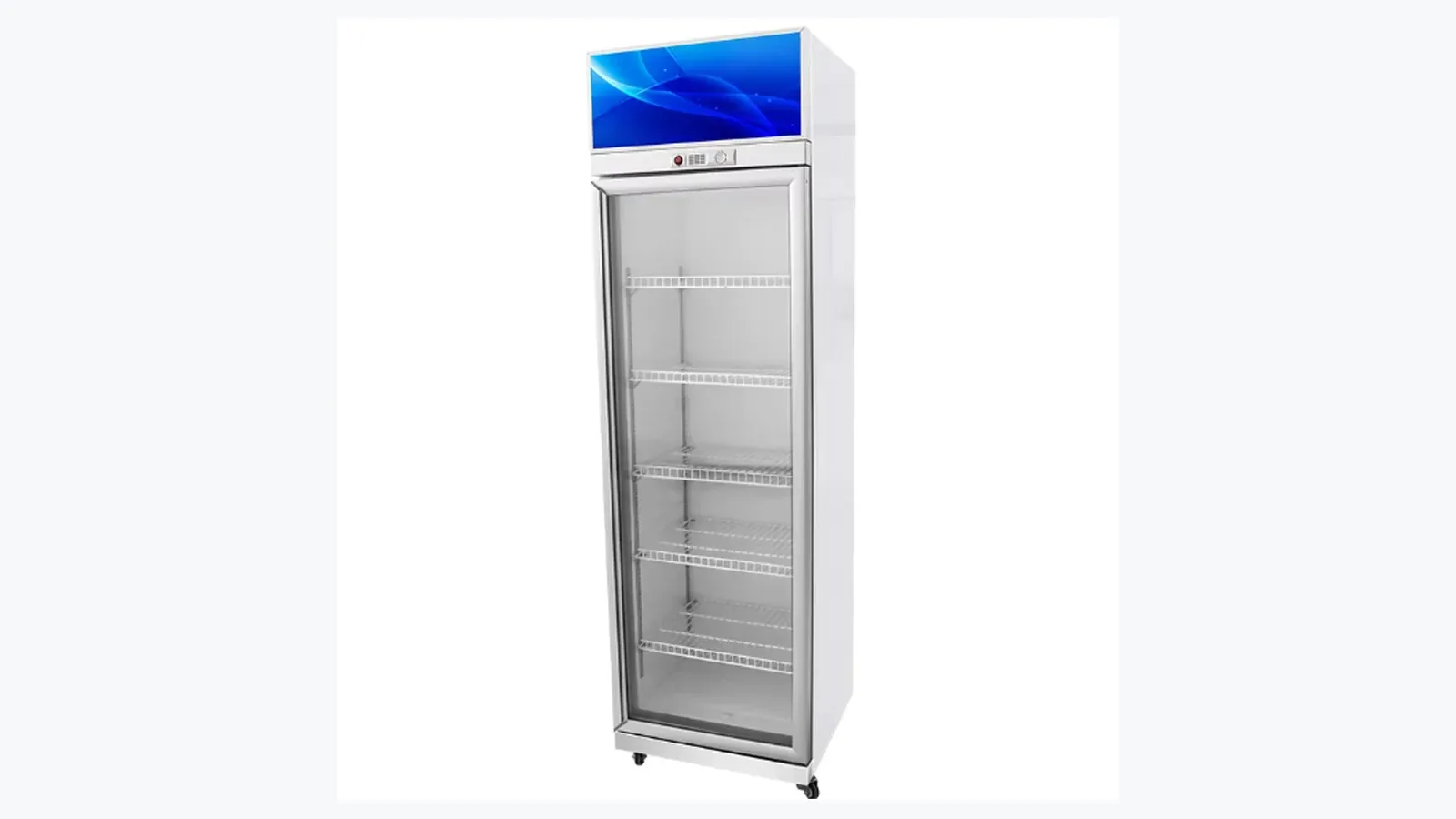
Record the model, unit identifier, door count, store position, and current product use. ICEAGE lists single-door 400 L, double-door 875 L and three-door 1300 L beverage-cooler models, with a listed 0~10 C temperature range, glass doors, adjustable shelves, LED lighting, direct cooling and an upright footprint.
Use the actual model document for the unit under review. Photograph the full front, both sides, top area, floor, nearby fixtures, and the door arrangement. For multi-door models, label doors left to right from one fixed viewing position.
The ICEAGE beverage cooler page is the correct product reference. Chest-freezer or island-freezer images and troubleshooting assumptions belong outside this record.
Identify Which Surface Is Misty
Stand at the same position and determine whether the visible moisture is on the room side of the glass or the product side. When practical, use a clean dry cloth on a small defined area according to the store's cleaning procedure, then record which surface clears. Avoid repeatedly opening the door merely to test the surface.
Map the condition by door and zone: upper, middle, lower, handle edge, hinge edge, center, frame, or complete pane. State whether the pattern is a light film, droplets, streaks, or a local patch. Keep one wide photo and one close photo.
| Log Field | Useful Entry | Weak Entry |
|---|---|---|
| Door | Door 1, left side | Front door |
| Surface | Room-facing glass | Glass is wet |
| Zone | Lower third near handle edge | Bottom area |
| Start time | First seen at 15:20 after delivery stocking | Happens sometimes |
| Duration | Mostly clear by 16:05 | Clears later |
Precise notes allow repeat comparisons even when different employees are on shift.
Record the Timing and Recurrence
Note when the glass was last clear, when mist first appeared, when it reached its widest area, and when it cleared. Take photos from the same angle. Include the store time in the log rather than relying only on file metadata.
Repeat the observation over several relevant periods: opening, normal trade, restocking, peak traffic, cleaning, and quieter hours. The purpose is to find a repeatable pattern, not to wait indefinitely before escalating an obvious safety or operating concern.
List recent changes such as relocation, shelf reconfiguration, a different stock routine, entrance-door work, air-conditioning adjustment, maintenance, or new nearby equipment. A change is context, not proof of cause.
Add Door-Opening and Closure Context
Observe whether the door opens and returns normally during routine use. Record packages, shelf labels, cables, mats, or other items that interfere with closure. Photograph damaged handles, hinges, seals, frames, or glass without dismantling components.
For a defined period, count openings or note whether the observation occurred during customer selection or staff restocking. "Opened 18 times during a 20-minute delivery refill" is more useful than "opened often."
Avoid forcing a damaged or misaligned door. Cracked glass, loose hinges, sharp edges, electrical concerns, or a door that cannot be secured belong in the store's urgent escalation process.
Compare Stocking and Shelf Layout
Photograph the cooler before and after restocking. Record shelf positions, product type, package density, items touching the glass, and blocked spaces visible to staff. Follow the model manual for loading and internal clearances.
ICEAGE lists adjustable shelves, but the selected shelf count and spacing need to match the model and order. The beverage cooler shelf-planning guide helps document bottled drinks, dairy and chilled-snack layouts.
Keep temperature-controlled product handling under the retailer's food-safety plan. A clear door is a merchandising goal, while product condition and approved operation remain the controlling requirements.
Capture Store Conditions With Real Readings
Record available indoor temperature and humidity readings from maintained instruments, including time and instrument location. A reading at the receiving door may not represent conditions at the cooler.
Photograph nearby entrance doors, open windows, air outlets, fans, cooking or washing areas, direct sunlight, and temporary equipment. Note rain or unusually humid outdoor weather as context, while keeping indoor readings separate.
Avoid improvised airflow tests that could create contamination or safety problems. A qualified technician can use appropriate tools if airflow needs investigation.
Separate Cleaning Moisture From Recurring Mist
Write down when the glass, frame and floor were cleaned, the approved product or method used, and when mist returned. Photograph the surface after cleaning as a baseline.
Check whether streaks are residue rather than new droplets. Avoid directing water into lighting, controls, frames, electrical parts or service areas. Follow the product documentation for compatible cleaning materials.
If moisture reaches the floor, control the slip area and record the first wet point before foot traffic or mopping spreads it.
Protect Visibility Without Masking the Evidence
Store teams may need to wipe customer-facing glass during trading. Capture the initial condition first when practical, log the wipe time, and record how quickly the pattern returns. That routine protects merchandising while preserving evidence.
Check whether shelf labels, promotional material, dense packaging, or lighting reflections make the mist look broader than it is. The article on interior LED lighting and beverage visibility provides related display-planning context.
Avoid applying unapproved films, chemicals, heaters, or modifications to the door. Supplier and service guidance should precede any change to the cabinet.
Build a Service-Ready Log
Combine model and door count, product use, photos by door and surface, time sequence, opening observations, loading state, store readings, cleaning history, recent changes, and any abnormal sound, odor, water, damage, or control indication.
Use factual wording. "Room-facing lower half of Door 1 misted from 15:20 after restocking and cleared by 16:05" gives service a repeatable condition. "The door heater failed" assumes a component and cause that still need confirmation.
Related Reading
- Beverage Cooler Interior LED Lighting covers display visibility and shelf-light relationships.
- Beverage Cooler Shelf Planning supports a clearer loading record.
Common Questions
Does misted glass prove products are outside the required condition?
The visual pattern alone does not establish product temperature or cabinet performance. Follow the store's approved monitoring and escalation process.
Can staff keep wiping the glass?
Routine approved cleaning may be necessary for visibility. Photograph and time the recurrence so repeated wiping does not erase the history.
When is urgent escalation appropriate?
Use the store process for cracked glass, unsafe doors, electrical concerns, floor water, unusual operating signs, or any concern about approved chilled-product control.
What should accompany a service request?
Send model, door count, exact surface and zone, wide and close photos, timing, openings, loading, indoor readings, cleaning events and recent changes.
Related Product Recommendation: Commercial Chest Freezer
A beverage cooler is for chilled display, with the current ICEAGE page listing a 0~10 C range. Retailers that also sell frozen meat, seafood, ice cream or prepared frozen foods can plan a separate commercial chest freezer rather than treating the beverage cooler as frozen storage.
Send the Observation Log
Use the ICEAGE contact page to share the model, door count, store layout, exact misting surface, door map, photos, recurrence times, loading state, room readings, cleaning record and any safety concern. The structured log gives the supplier or technician a clear starting point.