
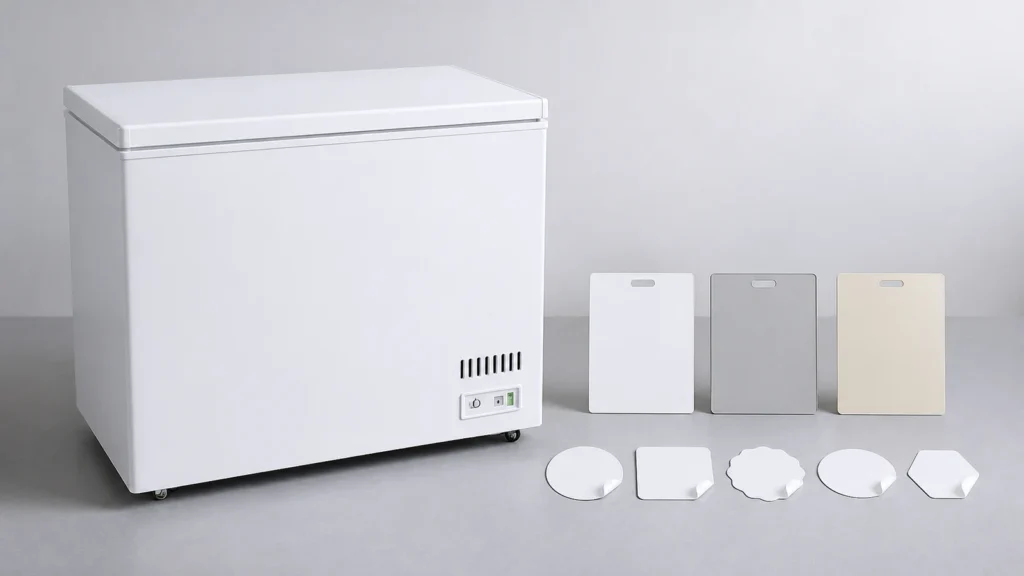
ICEAGE lists logo sticker and body color customization for its commercial chest-freezer range. A color name and logo file are not enough for production. The importer needs to approve the exact model surfaces, physical color reference, finish, sticker construction, placement, proof, and released revision.
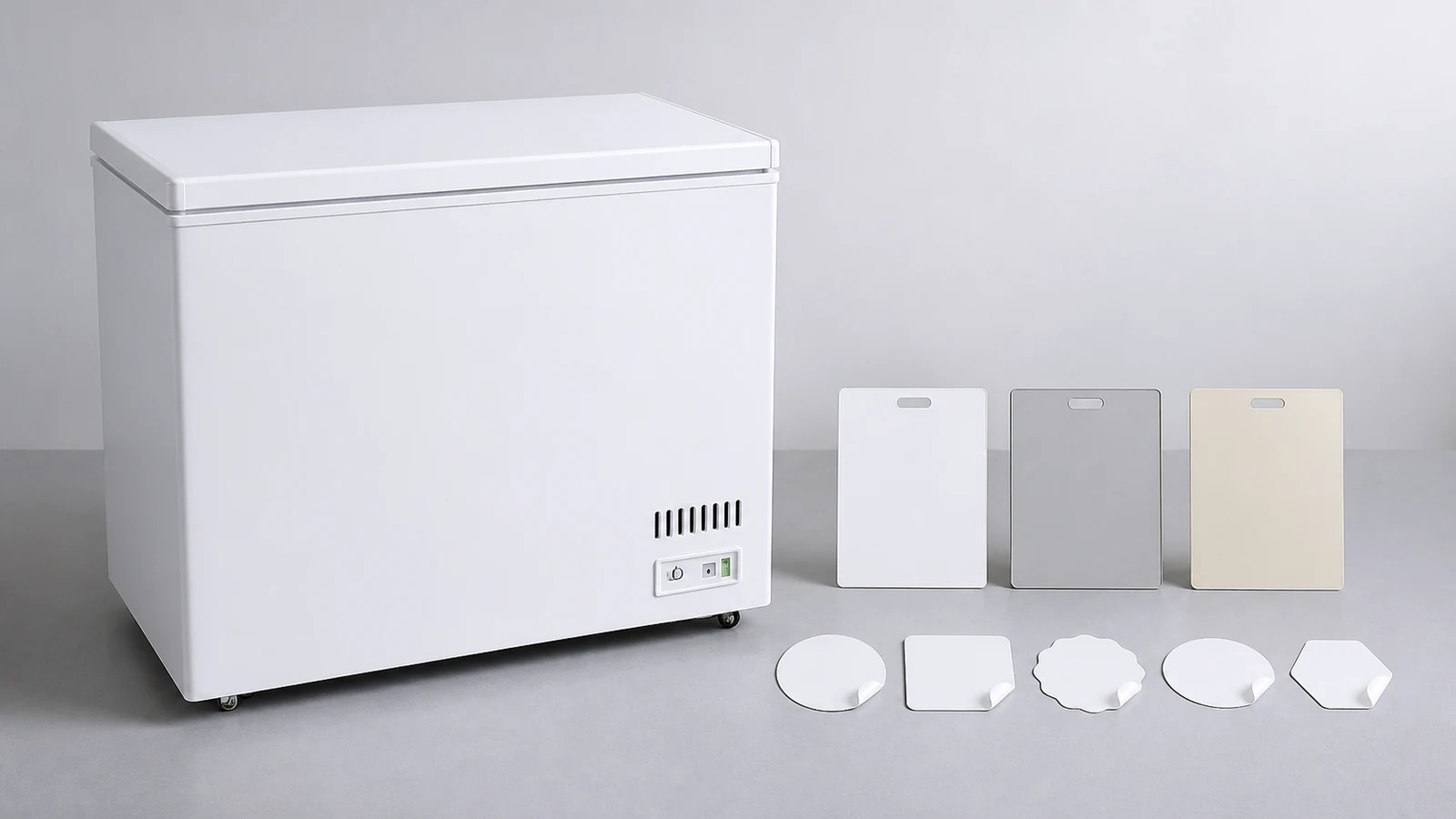
Confirm the Model and Customizable Surfaces
ICEAGE lists chest-freezer capacities from 150 L to 1300 L and several model examples. Ask which cabinet panels, lid surfaces, trims, handles, control areas, and packaging can receive the requested color or sticker for the quoted model.
The commercial chest freezer page establishes product scope. A customization approved on one model should not be transferred to another size without confirming surface dimensions and construction.
Request clean model photos or a drawing that identifies each finish zone.
Define the Body Color With a Physical Reference
Use an agreed color standard, physical swatch, or approved coated sample. Record reference code, supplier, material, gloss or texture description, lighting conditions, and approval date.
Screens and photographs are useful for communication but vary by device, camera, white balance, and compression. They should not be the only color master.
Ask how the chosen finish interacts with seams, bends, vents, fasteners, and trim that may remain another color.
Review Material and Finish
Color approval should identify the real cabinet substrate and coating or surface process offered. Request a sample that represents both color and finish where practical.
Inspect gloss, texture, coverage, edge appearance, orange peel or other visible surface traits, scratches, and shade consistency. Record which observations are cosmetic requirements and which remain supplier process controls.
Avoid inventing corrosion, durability, or cleaning-performance claims from a swatch.
Prepare the Logo File
Provide an editable logo file in the supplier's requested format, plus a viewing proof. Include official color references, minimum clear space, orientation, and any permitted single-color version.
Confirm ownership and authorization for logos, trademarks, fonts, and images. Remove outdated taglines and unapproved claims.
Keep the source file, approved proof, and text reference in one controlled folder.
Specify Sticker Construction
Ask the supplier to identify sticker material, print process, surface finish, adhesive, protective layer if offered, edge shape, and intended cabinet surface. Confirm compatibility through the supplier's actual option and sample process.
| Sticker Field | Approval Evidence |
|---|---|
| Finished size | Dimensioned proof |
| Shape and corners | Cut-line drawing or sample |
| Color and print | Physical or controlled proof |
| Surface finish | Material sample |
| Adhesive/application | Supplier specification and sample |
| Placement | Model-specific drawing |
Avoid choosing an adhesive independently from general internet advice. The supplier and material system need to support the actual finish.
Approve Placement by Fixed References
Place the logo using dimensions from stable cabinet edges, not a hand-drawn arrow. Record height, horizontal offset, orientation, and clearance from seams, vents, controls, handles, labels, and wheel or base areas.
For long models or double-temperature options, confirm whether placement changes. Ask whether the sticker appears on one side, both sides, front, lid, or packaging.
Review how the logo looks with the lid open and closed where relevant.
Check Mandatory Product Labels
The custom logo must not cover or confuse required model, rating, safety, service, or market labels. Ask the supplier to show the relationship before release.
Keep marketing artwork and technical labels as separate controlled items. Avoid adding certification marks without documented authority.
The importer remains responsible for destination-market label requirements.
Review a Physical Sample or First-Unit Proof
Where the order process supports it, approve a coated panel, sticker sample, applied sample, or first-unit photographs. Record lighting, viewing distance, and camera limitations.
Inspect color, finish, placement, bubbles, wrinkles, edge lift, scratches, print clarity, and relationship with cabinet features. Mark every field approved, rejected, conditional, or open.
Keep an untouched physical reference when practical.
Protect the Finish During Packaging
Ask how panels and stickers are protected from film adhesive, rubbing, straps, foam contact, and carton movement. Record whether protective film covers the logo and how it is removed under supplier guidance.
Put finish inspection into the receiving protocol. Photograph packaging, film, and revealed surfaces in sequence before cleaning or rework.
Packaging customization may also need color and logo control as a separate artwork file.
Release a Controlled Configuration
The release package should identify chest-freezer model, body-color reference, finish, logo revision, sticker construction, placement drawing, technical-label relationship, packaging protection, sample evidence, and approval status.
Use the OEM customization checklist to coordinate appearance with voltage, plug, capacity, temperature-range options, baskets, dividers, and packaging.
Only one revision should be marked for production.
Preserve Reorder Accuracy
Archive the physical color sample, sticker sample, production file, placement drawing, approval photos, supplier material reference, model, and purchase order. Compare them during reorders.
The model documentation article helps prevent a color or logo approval from being separated from the exact cabinet configuration.
If the supplier's material or process changes, obtain a new approval rather than relying on the old color name.
Separate Appearance Approval From Order Release
An accepted color panel or logo proof closes only the appearance fields shown on that evidence. Purchasing still needs to reconcile model, capacity option, electrical configuration, accessories, packaging, quantity, and commercial revision before releasing the order. Add the approved appearance revision to the purchase line and supplier acknowledgment. This extra cross-check prevents a correct sticker from being applied to the wrong cabinet configuration or an outdated proof from following a later model change.
Related Reading
- OEM Commercial Freezer Customization coordinates all requested options.
- Chest Freezer Model Documentation protects the approved configuration across reorders.
Common Questions
Can a phone photo approve body color?
It supports discussion, but a physical or controlled color reference is stronger because screens and cameras vary.
Can one sticker placement fit every model?
Confirm each model's panel size, vents, labels, handles, seams, and viewing area.
Does a logo file define sticker material?
No. Artwork, material, adhesive, finish, cut shape, and application are separate approval fields.
What should remain for a reorder?
Keep the released configuration, physical references, artwork, placement drawing, photos, and supplier material record.
Send Appearance and Model Details Together
Use the ICEAGE contact page to share the chest-freezer model, body surfaces, color standard, finish sample needs, editable logo, sticker specification, placement, destination market, and packaging protection. Appearance approval becomes reliable when every field belongs to one model revision.