
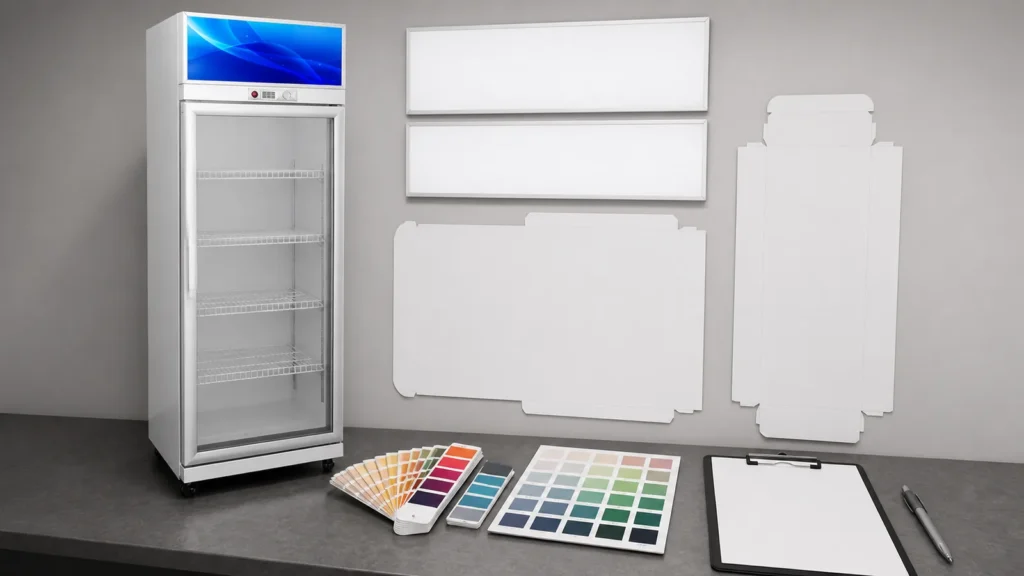
Custom artwork can turn a beverage cooler into a retail campaign asset, but it also creates an additional manufactured component that must match the cabinet. Door glass, frame, header, side panels, ventilation areas, controls, labels, handles, and service boundaries are not interchangeable blank surfaces. An attractive design file can still be unusable if it covers a functional part or was prepared for another model.
Importer approval should connect four records: exact cooler identity, approved artwork file, placement proof, and released order revision. The buyer supplies authorized brand assets and color references; the supplier confirms available application areas and process; both sides review scale, crop, panel breaks, viewing side, and required labels. Production begins from one signed revision rather than the latest image found in a message thread.
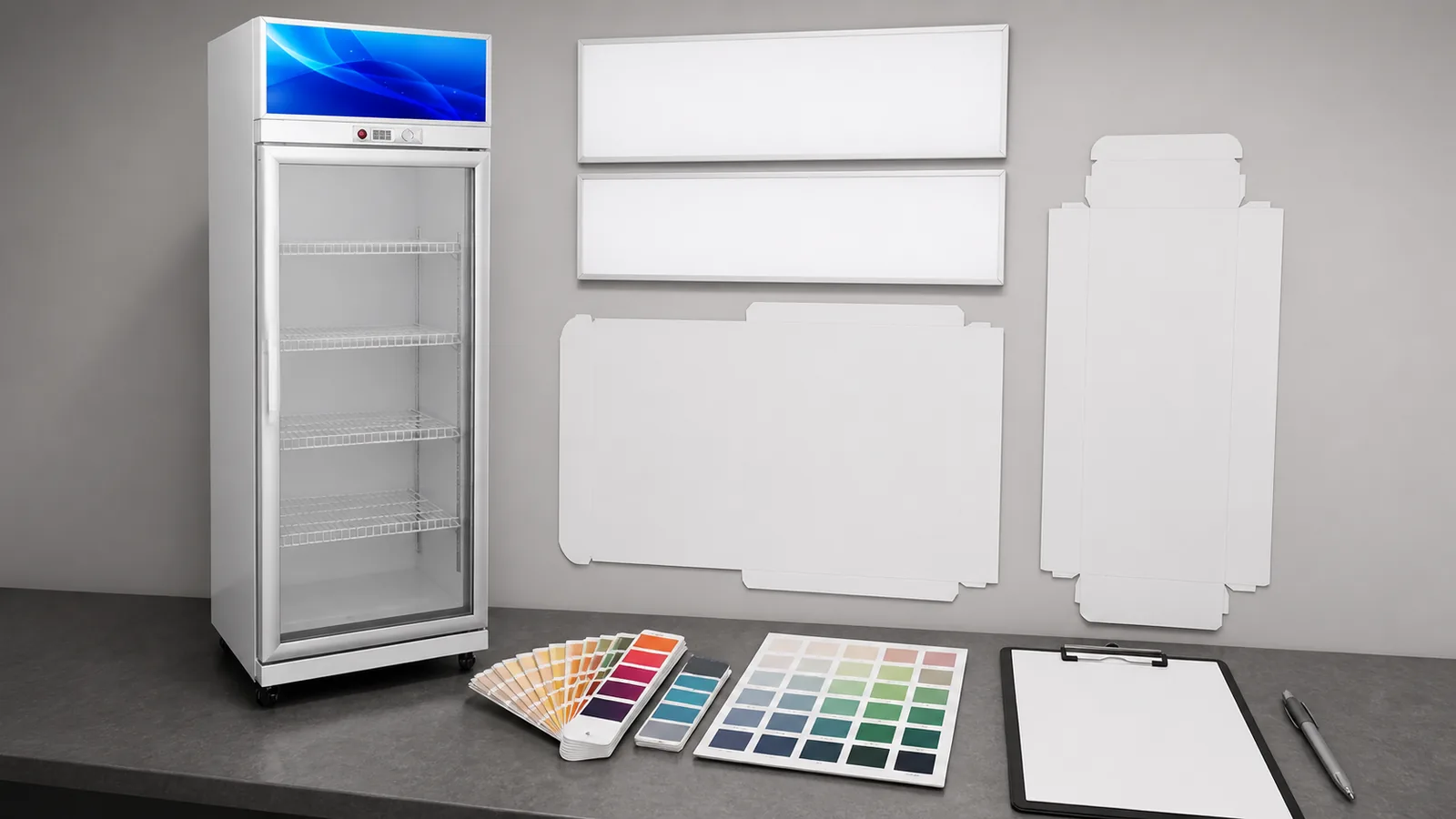
Lock the Cooler Model Before Designing
Issue the product elevation and relevant panel boundaries for the exact selected cabinet. The working record for this stage covers model code, door count, cabinet dimensions from approved drawing, header area, side panels, handle, controls, and ventilation and service boundaries.
Records for this stage
- model code: source, location, owner, status, and date.
- door count: source, location, owner, status, and date.
- cabinet dimensions from approved drawing: source, location, owner, status, and date.
- header area: source, location, owner, status, and date.
- side panels: source, location, owner, status, and date.
- handle: source, location, owner, status, and date.
Why this stage can fail: Starting from a generic cooler outline and scaling it onto a model with different glass, trim, or panel breaks. Use model code, door count, and cabinet dimensions from approved drawing to document the exception, and keep header area with the reviewer's decision.
Release condition: The artwork template and purchase order name the same cabinet model and revision. Record any exception against handle, name its owner and next action, and keep controls open until resolved.
Verify Rights and Source Files
Record who supplies and authorizes logos, marks, images, fonts, and campaign copy. The working record for this stage covers brand owner approval, source file, linked assets, font handling, image rights, market or language version, and responsible buyer.
Records for this stage
- brand owner approval: source, location, owner, status, and date.
- source file: source, location, owner, status, and date.
- linked assets: source, location, owner, status, and date.
- font handling: source, location, owner, status, and date.
- image rights: source, location, owner, status, and date.
- market or language version: source, location, owner, status, and date.
Why this stage can fail: Accepting a low-resolution screenshot or unverified mark as production artwork. Use brand owner approval, source file, and linked assets to document the exception, and keep font handling with the reviewer's decision.
Release condition: The buyer confirms usage rights and provides production-ready assets in the agreed format. Record any exception against market or language version, name its owner and next action, and keep responsible buyer open until resolved.
Define Printable and Keep-Clear Zones
Overlay graphics on the supplier-confirmed areas while preserving glass visibility and functional boundaries. The working record for this stage covers printable side panel, header or canopy when offered, door frame, handle clearance, control visibility, required labels, and ventilation clearance.
Records for this stage
- printable side panel: source, location, owner, status, and date.
- header or canopy when offered: source, location, owner, status, and date.
- door frame: source, location, owner, status, and date.
- handle clearance: source, location, owner, status, and date.
- control visibility: source, location, owner, status, and date.
- required labels: source, location, owner, status, and date.
Why this stage can fail: Treating every visible surface as printable and obscuring access, labels, airflow, or product view. Use printable side panel, header or canopy when offered, and door frame to document the exception, and keep handle clearance with the reviewer's decision.
Release condition: The placement proof clearly separates artwork areas from protected functional and identification areas. Record any exception against required labels, name its owner and next action, and keep ventilation clearance open until resolved.
Approve Color, Scale, and Crop
Review physical references and full-size relationships rather than judging a small screen preview alone. The working record for this stage covers color reference, process limitation, artwork scale, crop, bleed, panel seam, viewing distance, and proof background.
Records for this stage
- color reference: source, location, owner, status, and date.
- process limitation: source, location, owner, status, and date.
- artwork scale: source, location, owner, status, and date.
- crop: source, location, owner, status, and date.
- bleed: source, location, owner, status, and date.
- panel seam: source, location, owner, status, and date.
Why this stage can fail: Assuming a monitor color and a production surface will match exactly without an agreed reference and tolerance discussion. Use color reference, process limitation, and artwork scale to document the exception, and keep crop with the reviewer's decision.
Release condition: Buyer and supplier accept the proof revision, color reference, crop, and surface placement in writing. Record any exception against panel seam, name its owner and next action, and keep viewing distance open until resolved.
Release and Preserve the Production Revision
Freeze one artwork package and connect it to the order, sample evidence, and packing identity. The working record for this stage covers file name and checksum or controlled code, revision, approval date, approving person, sample photograph when used, production release, and replacement-artwork rule.
Records for this stage
- file name and checksum or controlled code: source, location, owner, status, and date.
- revision: source, location, owner, status, and date.
- approval date: source, location, owner, status, and date.
- approving person: source, location, owner, status, and date.
- sample photograph when used: source, location, owner, status, and date.
- production release: source, location, owner, status, and date.
Why this stage can fail: Allowing a later chat attachment to replace the approved file without a formal change. Use file name and checksum or controlled code, revision, and approval date to document the exception, and keep approving person with the reviewer's decision.
Release condition: Production, inspection, and future repeat orders can retrieve the exact released artwork and placement proof. Record any exception against production release, name its owner and next action, and keep replacement-artwork rule open until resolved.
Cooler Artwork Approval Matrix
The matrix keeps cabinet structure, rights, placement, visual approval, and production release in one traceable chain.
| Review Point | Evidence to Keep | Release Question |
|---|---|---|
| Lock the Cooler Model Before Designing | model code, door count, cabinet dimensions from approved drawing, and header area | the artwork template and purchase order name the same cabinet model and revision. |
| Verify Rights and Source Files | brand owner approval, source file, linked assets, and font handling | the buyer confirms usage rights and provides production-ready assets in the agreed format. |
| Define Printable and Keep-Clear Zones | printable side panel, header or canopy when offered, door frame, and handle clearance | the placement proof clearly separates artwork areas from protected functional and identification areas. |
| Approve Color, Scale, and Crop | color reference, process limitation, artwork scale, and crop | buyer and supplier accept the proof revision, color reference, crop, and surface placement in writing. |
| Release and Preserve the Production Revision | file name and checksum or controlled code, revision, approval date, and approving person | production, inspection, and future repeat orders can retrieve the exact released artwork and placement proof. |
Custom Artwork Release Checklist
- Use the exact cooler model elevation and door configuration as the artwork template.
- Confirm the buyer's authority to use every logo, image, font, and campaign element.
- Mark printable areas and keep-clear zones for handles, controls, labels, ventilation, and service.
- Approve color references, crop, scale, seams, and viewing orientation on one proof revision.
- Freeze the released files and connect them to production, inspection, packing, and repeat-order records.
Beverage Cooler Artwork Questions
Can artwork cover the glass door?
Available decoration methods and areas depend on the selected model and supplier capability. Preserve required visibility, handles, labels, controls, and functional boundaries in the approved proof.
Is a PDF preview enough for color approval?
It can show layout, but screen color is not a complete physical reference. Agree on color references, process limitations, and any sample evidence needed for the order.
How should a repeat order use the old design?
Retrieve the released file and confirm that cabinet model, artwork revision, market text, rights, placement, and current buyer approval still apply.
Related Product or Reading
- Glass-door beverage cooler range: provides the actual cooler scope before artwork begins
- Beverage cooler carton label approval: keeps shipping identity aligned with the customized cabinet
Prepare the Artwork Approval File
Share the cooler model, elevation template, door count, printable and protected zones, authorized source files, market version, color reference, placement proof, approval revision, and order quantity with ICEAGE. That project evidence lets ICEAGE review the selected glass-door beverage cooler with custom artwork for this buyer task: Help importers and distributors approve beverage-cooler graphics as a controlled order component tied to the exact cabinet model and visible structure.