
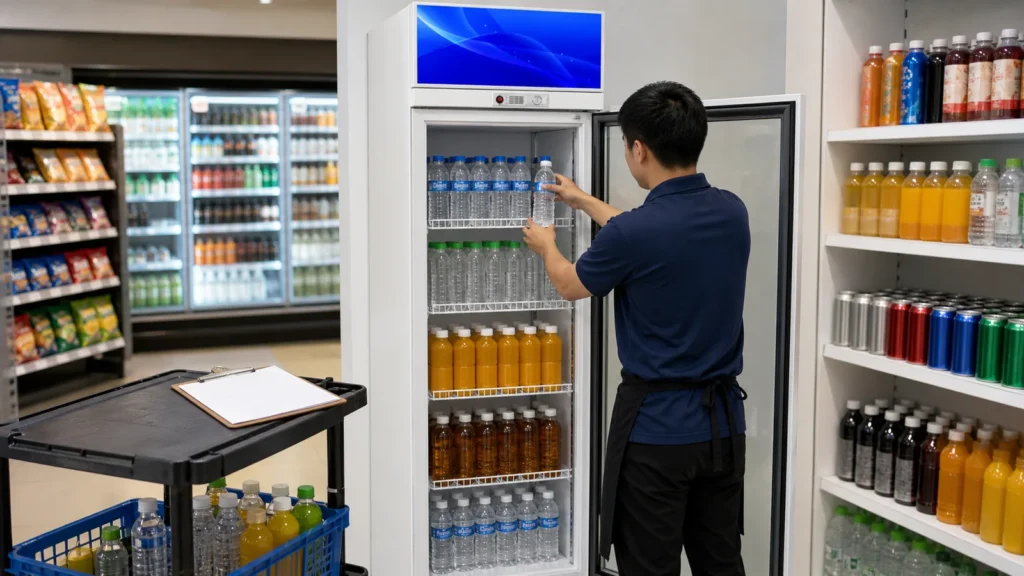
A beverage cooler can lose its approved display logic one delivery at a time. Staff place tall bottles wherever they fit, move a shelf to clear one carton, mix dairy with another category, or leave the next shift to interpret gaps. A restocking workflow uses cabinet, bay, shelf, and product-zone IDs so stock can be rotated and faced while the approved shelf structure remains controlled. Exceptions become visible requests rather than undocumented shelf changes.
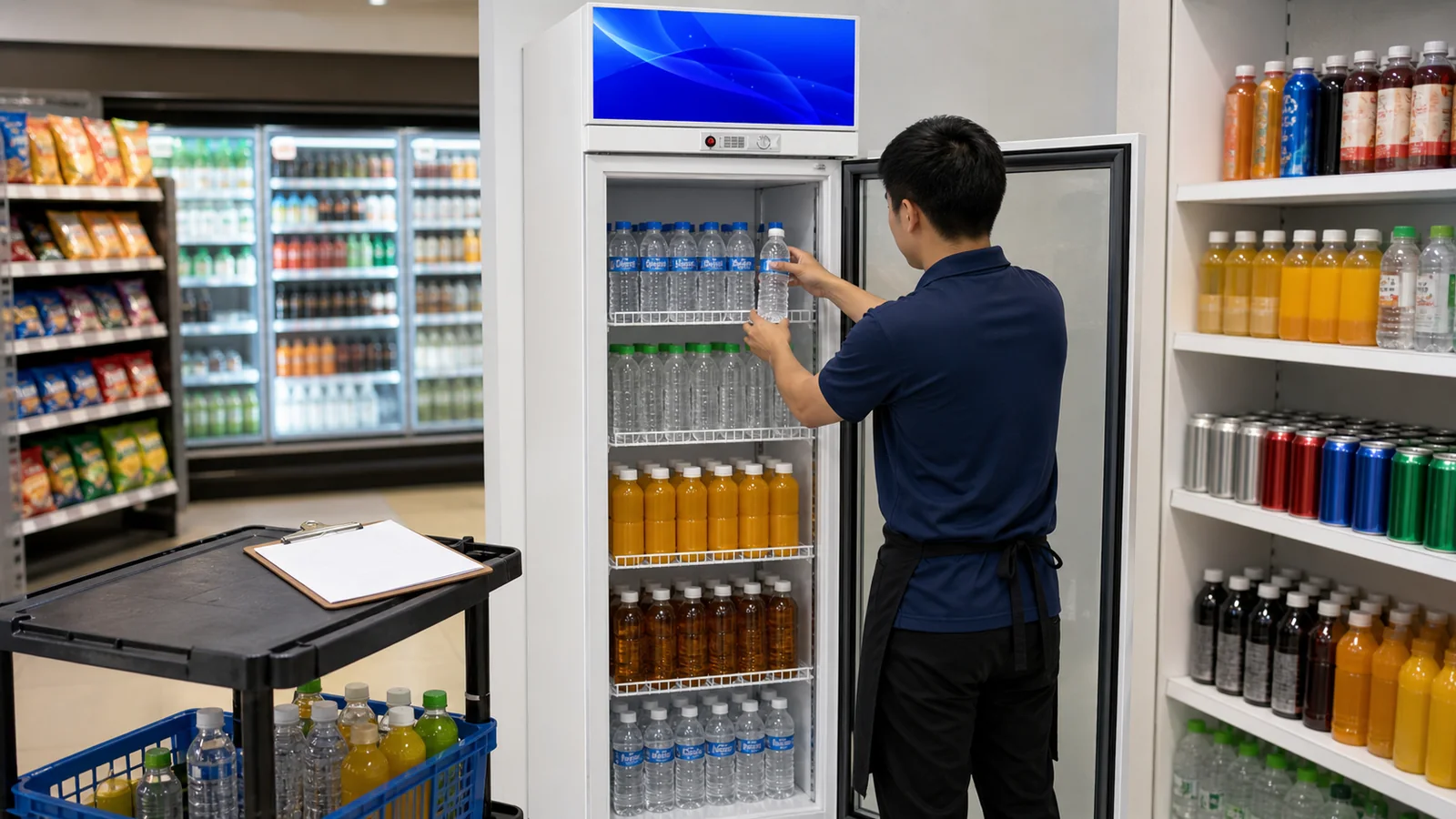
Begin With the Current Approved Map
Identify store, cooler model, door count, cabinet ID, bay IDs, shelf IDs, and plan revision. The beverage cooler is for bottled drinks, dairy, juice, water, and chilled display products within its selected specification; it is not frozen storage.
Post or provide the map where staff can use the current version without blocking the glass, lights, airflow features, labels, or service access. Remove superseded copies. Photograph the opening state when a new plan first becomes active.
Prepare Stock Outside the Cabinet
Check product identity, packaging condition, store date or rotation rules, assigned bay and shelf, and any promotional requirement before opening doors. Stage only manageable quantities so cartons never obstruct aisles or keep doors open unnecessarily. Follow the store's validated chilled-product handling process.
Separate products that never match the map, have damaged packaging, or need a decision. Never solve every exception by moving a shelf.
Restock by Bay and Shelf ID
Complete one defined zone at a time. Remove and rotate stock under store procedures, clean accessible spills as authorized, place the intended product, and restore the required facing. Keep packages fully supported and confirm the door can close without contact.
Never fill outside the selected model and store limits. Shelf loads, product clearances, and technical operating requirements must come from actual documentation rather than a generic number. Record any shelf or support that looks damaged or displaced.
Control Product-Fit Exceptions
When a package no longer fits, record product code, dimensions, intended shelf, conflict, quantity, and temporary disposition. Options may include a different approved product zone, a formal shelf-configuration change, an assortment review, or supplier clarification. The shift should not bend supports, remove parts, or create an unapproved shelf angle.
Use the shelf configuration change log when the business wants a permanent move. One carton exception should not silently rewrite the whole cooler.
| Restocking Status | Required Record | Next Action |
|---|---|---|
| Matches map | Bay, shelf, facing restored | Complete zone |
| Product does not fit | Pack and conflict dimensions | Hold for layout decision |
| Shelf/support concern | Exact part and location photo | Route to responsible service/supplier |
| Product unavailable | Empty facing and substitute rule | Follow store assortment process |
| Unapproved shelf move found | Before-state photo and shift note | Restore or open change request |
Close the Doors and Review the Display
After each bay, remove cartons and tools, observe that shelves are seated, product does not contact the door path, labels align with the intended items, and the glass view is clear of temporary paperwork. Observe door closure visually without forcing or diagnosing components.
If glass misting, a displaced seal, damaged shelf, unusual sound, lighting concern, or technical issue appears, record and route it rather than adjusting controls. The misting observation log provides a structured moisture record.
Hand Off the Cooler to the Next Shift
Record completed bays, missing products, held items, product-fit exceptions, shelf concerns, spills or cleaning actions, unapproved changes found, and open tasks. Include map revision and timestamp. The next shift should know which empty spaces are intentional and which require replenishment.
Supervisors can use recurring exceptions to improve assortment, delivery packaging, shelf plans, or training. Keep the initial shelf-planning guide for approved redesign; keep the daily handoff concise and operational.
Use Exceptions to Improve the Next Assortment Review
Daily restocking generates practical data about the shelf plan. Record product packs that never fit, facings that empty too early, labels that are repeatedly displaced, shelves staff move without approval, door contact, difficult restocking positions, and products that arrive in changed packaging. Each exception needs cabinet, bay, shelf, product, date, photo, and temporary disposition. A count over several cycles is more useful than one complaint.
Separate availability from fit. An empty facing because stock has not arrived should not trigger a shelf redesign. A new package height may justify a formal change request. Frequent overstock in one bay may be an assortment or delivery-frequency question rather than an equipment problem. Damaged shelves, clips, doors, lighting, or visible technical concerns belong to supplier or qualified service channels.
At the assortment review, compare sales and inventory information from the store's systems with the physical exception log, while respecting applicable data and business rules. Decide whether to adjust product allocation, order quantities, delivery cadence, approved facings, or shelf configuration. Keep frozen products outside this chilled-display decision and use an appropriate chest freezer for that separate role.
Issue any approved change as a new map revision and brief all shifts. Archive the old map and record effective date. For changes that apply to several coolers, verify model and bay compatibility rather than assuming all cabinets match. This feedback loop gives staff a reason to preserve the shelf map during ordinary restocking: exceptions will inform a scheduled decision instead of being ignored or solved through silent daily changes.
Measure Handoff Quality Without Creating Empty Targets
Supervisors can review a sample of bays for correct map revision, product identity, facing, shelf position, exception record, and next-shift clarity. Avoid rewarding only full-looking shelves, because that can encourage unapproved substitutions or overfilling. A good handoff identifies genuine gaps and protected exceptions. Track repeated map errors and missing information, then improve training or the plan. The goal is consistent chilled-product display and accountable decisions, not a cosmetic completion score that hides stock or equipment problems.
Brief Temporary and New Staff
Use one annotated bay example during onboarding, then ask staff to locate the current map, identify cabinet and shelf IDs, restock a sample zone, and open an exception without moving shelves. Keep the briefing practical and model-specific. Supervisors should correct work against the map rather than relying on personal preference. Record training version and date so a later layout revision triggers an updated briefing.
Buyer Checklist
- Use the current cabinet, bay, shelf, and plan revision.
- Stage verified packaged products before opening the cooler.
- Restock one zone at a time under store chilled-product procedures.
- Keep shelf positions, supports, and product zones unchanged unless approved.
- Record products that never fit instead of improvising.
- Observe shelf seating, labels, product support, and door path after refill.
- Hand over completed zones, gaps, exceptions, and open tasks.
Frequently Asked Questions
Can staff move a shelf to fit one new bottle?
Open a documented configuration-change request when a permanent move is needed; never create an unrecorded layout.
Can frozen food be placed in the beverage cooler?
No. The beverage cooler is a chilled-display product, while frozen products belong in an appropriate chest freezer under its selected specification.
What should happen when a facing is empty?
Follow the store's assortment and substitute rule and record the status rather than filling it with an unrelated product that breaks the map.
Related Product or Reading
A commercial chest freezer is the separate related option for frozen products. Keep frozen storage and the beverage cooler's chilled display roles clearly divided.
Discuss the Exact Project
Send IceAgeFreeze the cooler model, door count, shelf map, product pack dimensions, door and bay layout, OEM shelf requirements, quantity, voltage, plug, and store-use questions.