
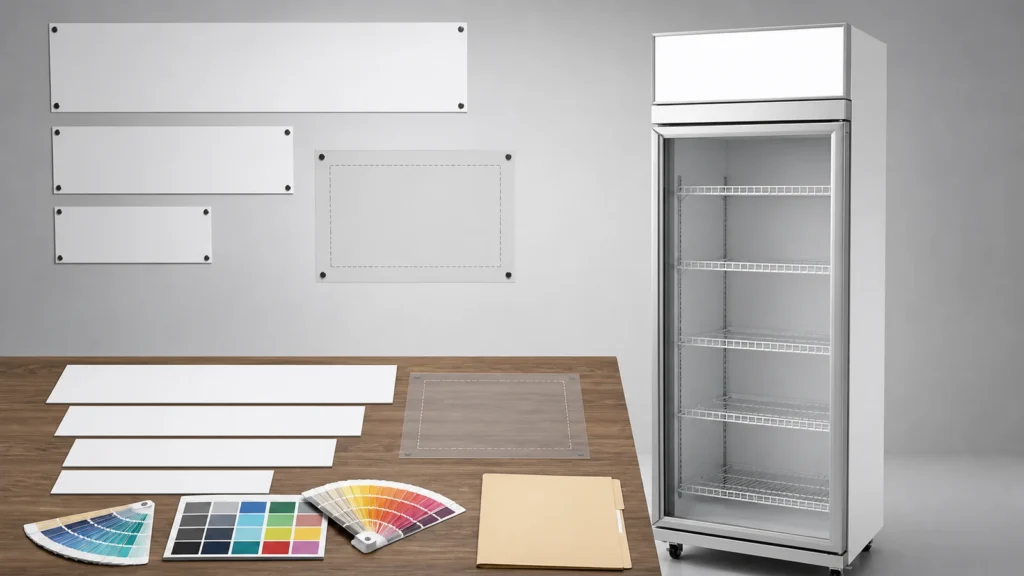
ICEAGE lists light box design as an OEM option for its glass-door beverage coolers. Selecting the option is only the commercial starting point. The importer still needs the exact model template, visible area, production file, color reference, proofing method, legal approval, and one released revision.
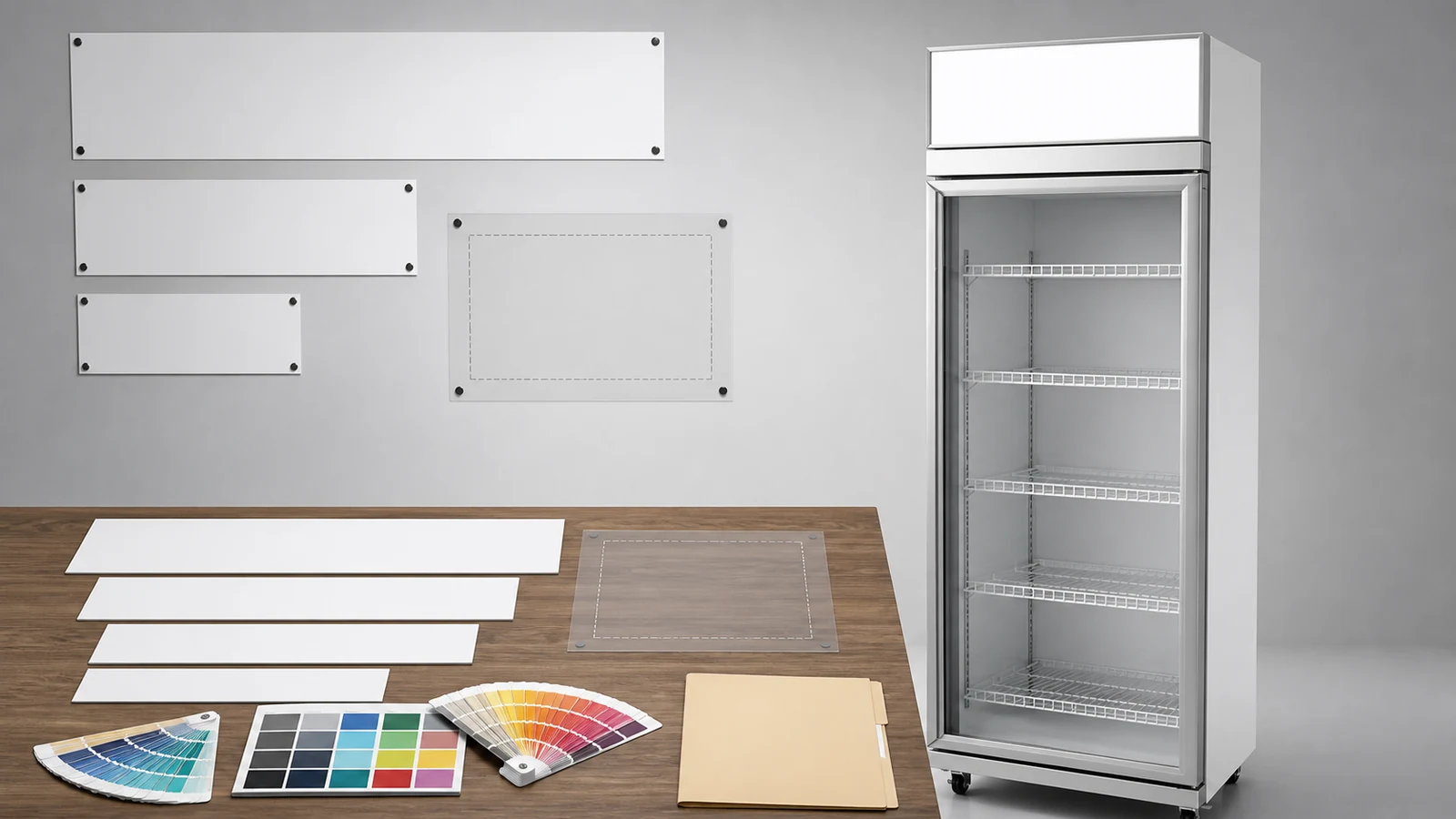
The artwork below is intentionally blank. A product reference can show the light-box location, while the real logo and claims must come from the buyer's approved brand files.
Confirm the Exact Cooler Model
ICEAGE lists single-door 400 L, double-door 875 L, and three-door 1300 L beverage coolers, with listed outer sizes of 600 x 620 x 2050 mm, 1200 x 620 x 2050 mm, and 1800 x 620 x 2050 mm. Ask which template applies to the quoted model and whether the light box construction or visible area changes by door count.
Keep cabinet dimensions separate from artwork dimensions. The overall width does not define the printable or illuminated face.
The beverage cooler product page is the current scope reference.
Request a Production Template
Ask for the supplier's current template with total panel size, visible area, bleed, safe area, cut or fold lines, orientation, resolution, and preferred file format. Record template revision and issue date.
| Template Field | Buyer Check |
|---|---|
| Model and door count | Matches the quoted cooler |
| Visible area | Main logo and text remain readable |
| Bleed and trim | Background extends as required |
| Safe area | Critical elements avoid hidden edges |
| Color mode | Matches supplier production process |
| File format | Editable production file and viewing proof |
Avoid building artwork from a website screenshot or measuring a perspective photograph.
Prepare the Master Artwork File
Use editable vector artwork where the supplier requests it. Include linked or embedded images at suitable resolution, convert or package fonts according to the agreed workflow, and retain a text reference for proofreading.
Keep logos, product names, claims, marks, and required legal text on separate layers when practical. Name layers clearly.
The importer must hold the rights to supplied logos, images, and fonts. Supplier acceptance of a file does not grant those rights.
Control Color References
Specify brand colors using the agreed system and provide a physical or controlled reference when color is important. Screens, office printers, material translucency, illumination, and production processes can change appearance.
Ask how the printed panel looks both illuminated and unlit. Record which condition controls approval or whether both require review.
Avoid describing an on-screen proof as an exact physical color match.
Keep Claims and Text Verifiable
Proofread spelling, capitalization, model names, website text, contact details, and market-specific language. Every certification mark, performance claim, energy statement, or product statement needs documented authorization.
If the light box uses only a logo, state that clearly. A supplier should not add decorative claims to fill empty space.
Obtain legal and brand approval for the destination market before production release.
Approve Layout at Real Scale
Review a full-size print or scale proof where practical. Check logo proportion, viewing distance, contrast, edge cropping, and relationship with cabinet doors and handles.
For multi-door models, confirm whether artwork is centered on the entire cabinet or aligned with door modules. Ask for a model-specific mock-up based on the supplier template.
Record comments on a numbered proof rather than through untracked messages.
Use Revision-Controlled File Names
Build file names from brand, cooler model, door count, market, language, artwork code, and revision. Mark drafts, review issues, and production release clearly.
Retain a revision log with date, change description, author, reviewer, and approval. Avoid overwriting the released file.
When a correction is required after release, issue a new revision and obtain written confirmation of whether production has started.
Release One Production Package
The final package can include editable artwork, linked assets, font handling, color references, PDF viewing proof, text transcript, template revision, and signed approval. Compress or transfer it through a channel that preserves file integrity.
Ask the supplier to confirm file receipt, technical preflight, and exact production revision. The beverage cooler RFQ article helps connect artwork with model and electrical details.
Verify a Pre-Production Proof
Depending on the order process, review a digital production proof, printed sample, panel sample, or first-unit photograph. Record lighting conditions and identify limitations of photographs.
Check spelling, color relationship, cropping, visible area, scratches, bubbles, alignment, and cabinet match. Keep cosmetic approval separate from cooler performance and technical inspection.
Approve, reject, or conditionally approve with explicit open items.
Protect Artwork During Packing and Receiving
Ask how the light box face is protected from rubbing, film adhesive, straps, and carton pressure. Put artwork inspection into the receiving checklist.
Photograph packaging before removal and the revealed panel under clean lighting. Preserve any damage evidence before cleaning or rework.
Avoid leaving protective film in place beyond the equipment and film guidance.
Archive for Reorders
Store the released artwork, supplier template, approval proof, production photos, color reference, model, destination market, and purchase order together. On reorder, compare the new template and model rather than assuming nothing changed.
The OEM customization checklist helps coordinate light-box artwork with logo stickers, shelves, voltage, plug, and packaging.
Related Reading
- Beverage Cooler RFQ Details connects artwork with the quoted model.
- OEM Customization Checklist coordinates the wider approval package.
Common Questions
Is a PNG logo enough for production?
Use the supplier's requested format and resolution. Editable vector files are often useful, but the actual process controls.
Can screen color be the master?
Screens vary. Use agreed color references and proofing conditions.
Can one artwork file fit all door counts?
Confirm the model-specific visible area and template for each cabinet width.
What prevents an old logo from returning on a reorder?
A released revision, archive, and line-by-line reorder comparison provide control.
Send the Model and Artwork Together
Use the ICEAGE contact page to send the beverage-cooler model, door count, destination market, language, editable logo, color references, claims approval, proofing needs, and target revision. A model-specific file handoff is far clearer than an email attachment labeled "latest logo."